|
|
 Latest news Latest news |
 |
|
The April 2024 auction, and Second Chance Sunday, are now over.
If you won something, or entered an item that sold, please use Users menu, User Results and then Purchases or Sales to display the auction results.
A great percentage of lots entered sold successfully.
Big thanks as usual to all bidders, buyers and sellers.
After we have made sure every item is delivered satisfactorily from this auction we will start to work on making the next auction bigger and better still.
The next auction is planned for November 2024.
If you have some electric music gear you would like to sell in VEMIA, the world's premier specialist auction, please contact pforrest@vemia.co.uk in good time if you need advice or help (including questions about possible servicing).
For selling, any time mid September 2024 would be good. For buying, see you in November 2024
|
|
|
|
|
|
Membership information |
|
|
No profile detected on this computer for our auction site.
Please use the user form to create a member or use the restore cookie to restore your memebrship if necessary.
|
|
|
|
|
|
Vemia IOS/Android compatible |
|
|
Vemia auctions are now Ios 5 to 10 and android compatible.
Using Ipad, Iphones or android tablets is now working so you can experience the auction and follow your items anywhere !
For other tablets using other operating systems, please contact us in order for us to check if this can be supported or not.
|
|
|
|
|
|
|
Welcome 
Whether you've just registered at VEMIA, or are one of our oldest customers, going back as long as twenty-seven years, welcome! We're looking forward to this, our 58th auction, and hope you are too. Even if you're not buying or selling there's always something interesting to look at.
We continue to offer valuable differences from other sales or auction sites:-
- no adverts or external hassle,
- genuine personal supervision, service, and advice,
- proper pre- and after-sale care,
- the ability to combine shipments, and help with collections and deliveries for cheap safe shipping,
- no sale no fee, and
- banning those frustrating hidden reserve prices - if you bid, you will get the item if no-one beats you.
Auction selling and buying rules and rates will remain practically identical. To check, please go to using auctions.
Above all, we have a good reputation for looking after buyers and sellers alike, and making sure that every transaction and every shipment ends with all parties content. We will start many highly valuable items at 135GBP, and of course nothing has a hidden reserve price.
|

If you have a problem or find a bug on the site, please tell us, through the support page. If you have suggestions for improvements, please also send them to the support team.
All comments, remarks, suggestions or questions about the site are welcome. We need your help to make it better! Thanks in advance for your feedback.
For all auction-related matters, please email VEMIA boss Peter Forrest at pforrest@vemia.co.uk
VEMIA and Sphere Teams |
|
Hot items
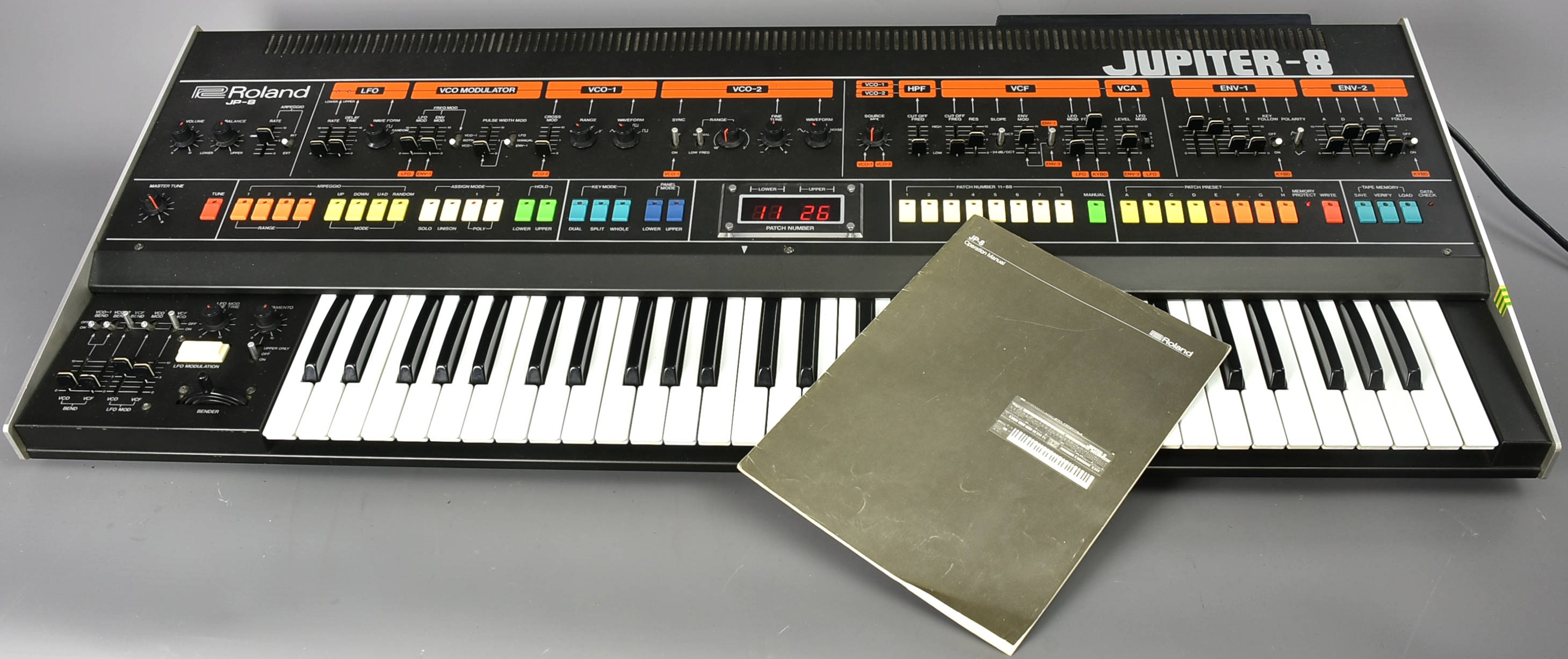
Roland - JP-8 Jupiter-8 Paddy Kingsland (RW)
12350 GBP |
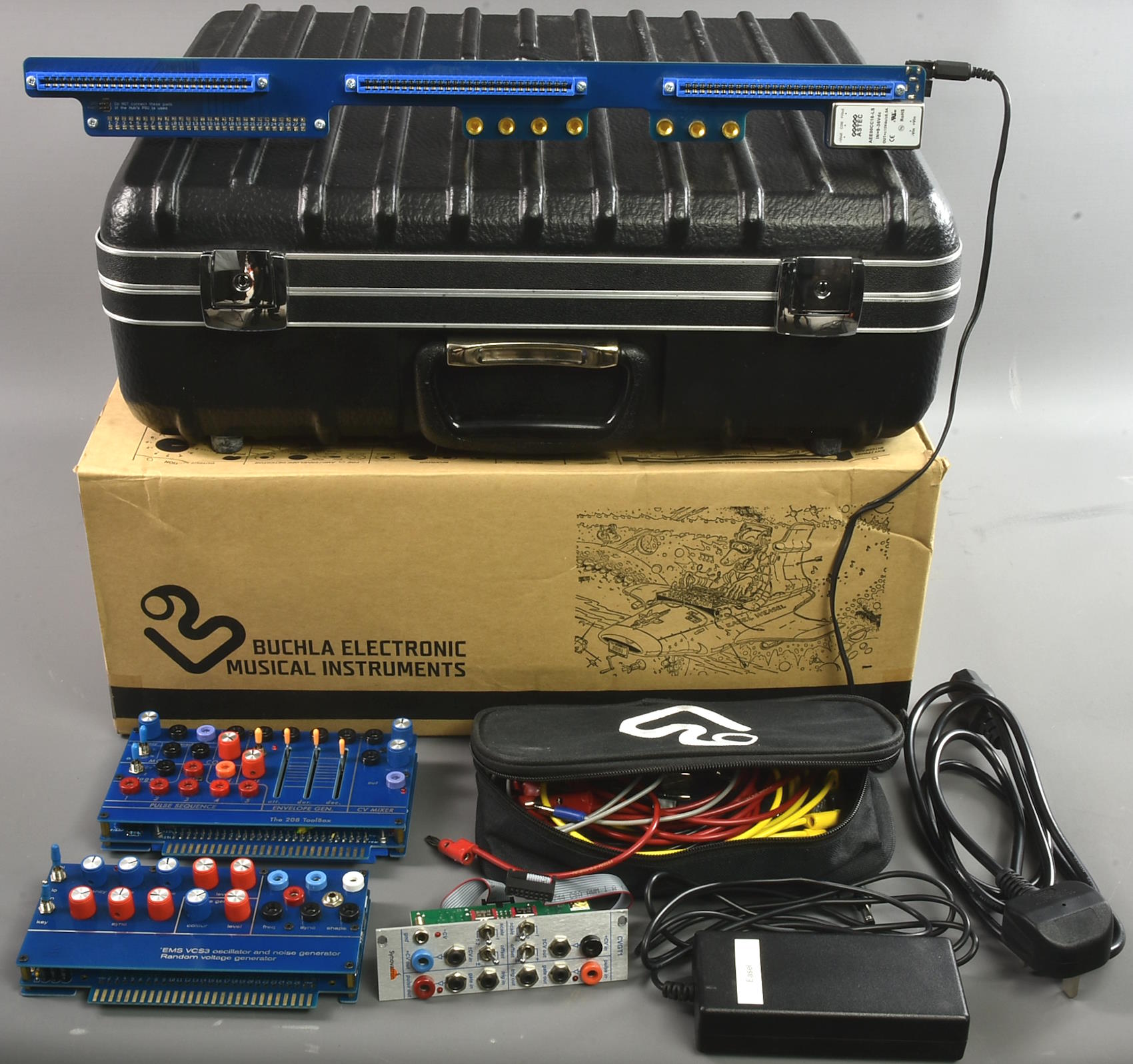
Buchla - BEMI Music Easel (2014) with extras
3315 GBP |
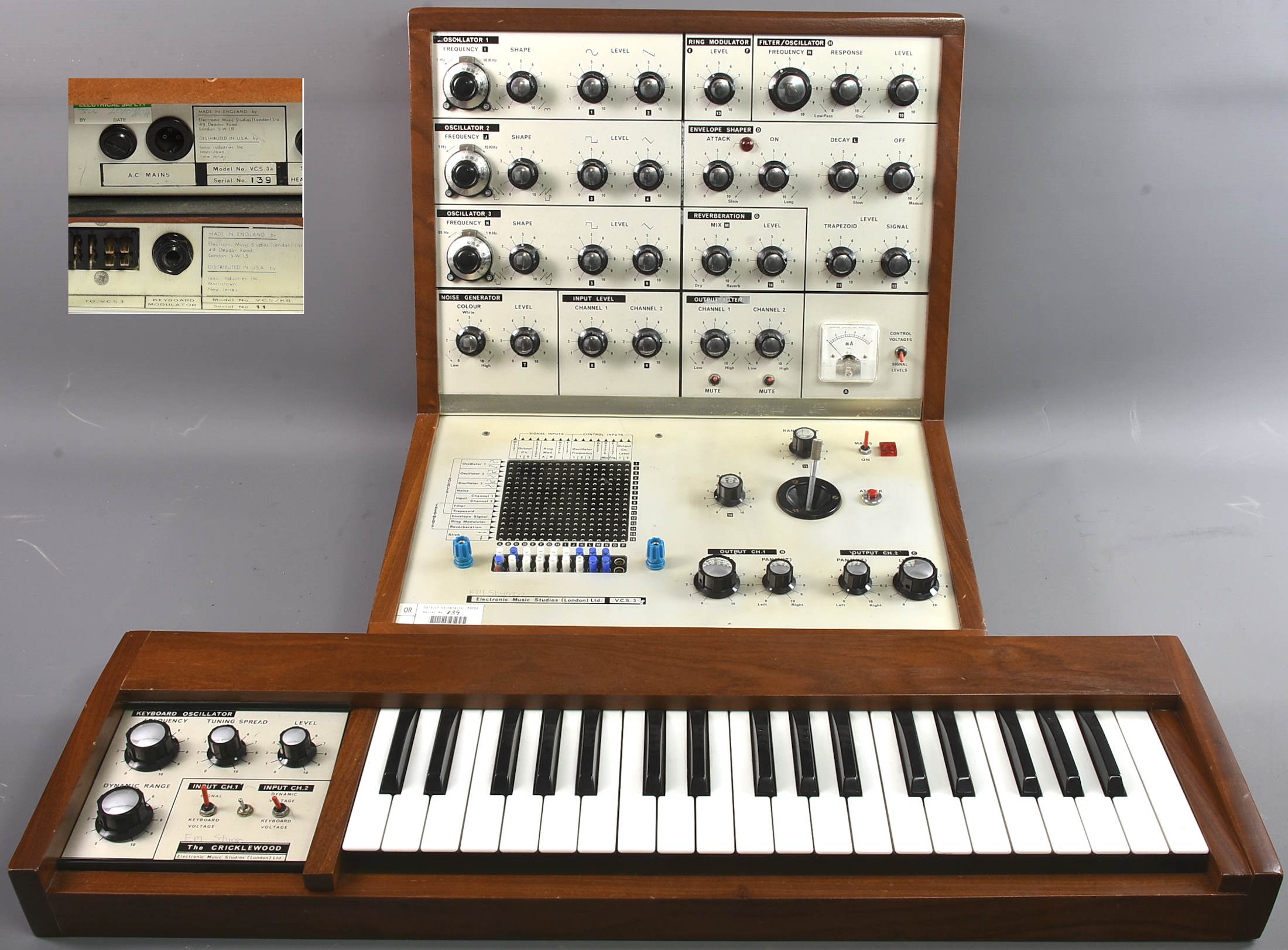
Ems - VCS3 s/n 139, Cricklewood s/n 11
15000 GBP |
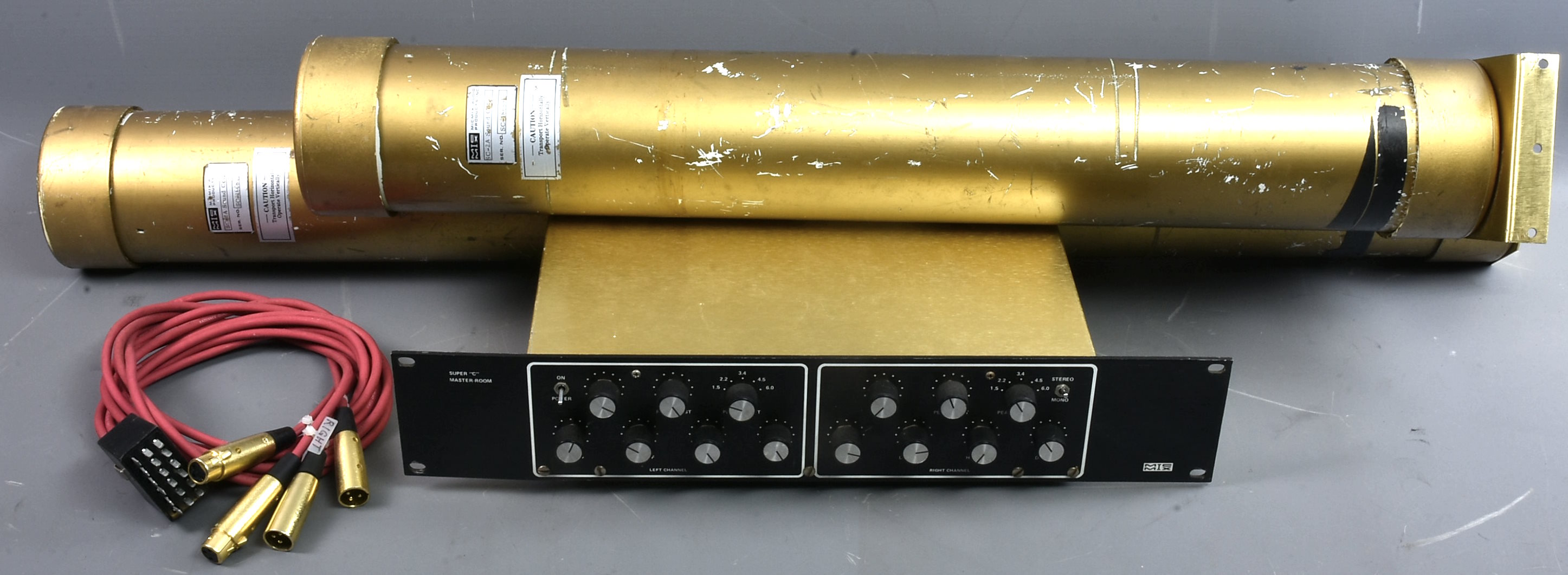
MicMix - Super 'C' Master Room reverb a/s
943 GBP |
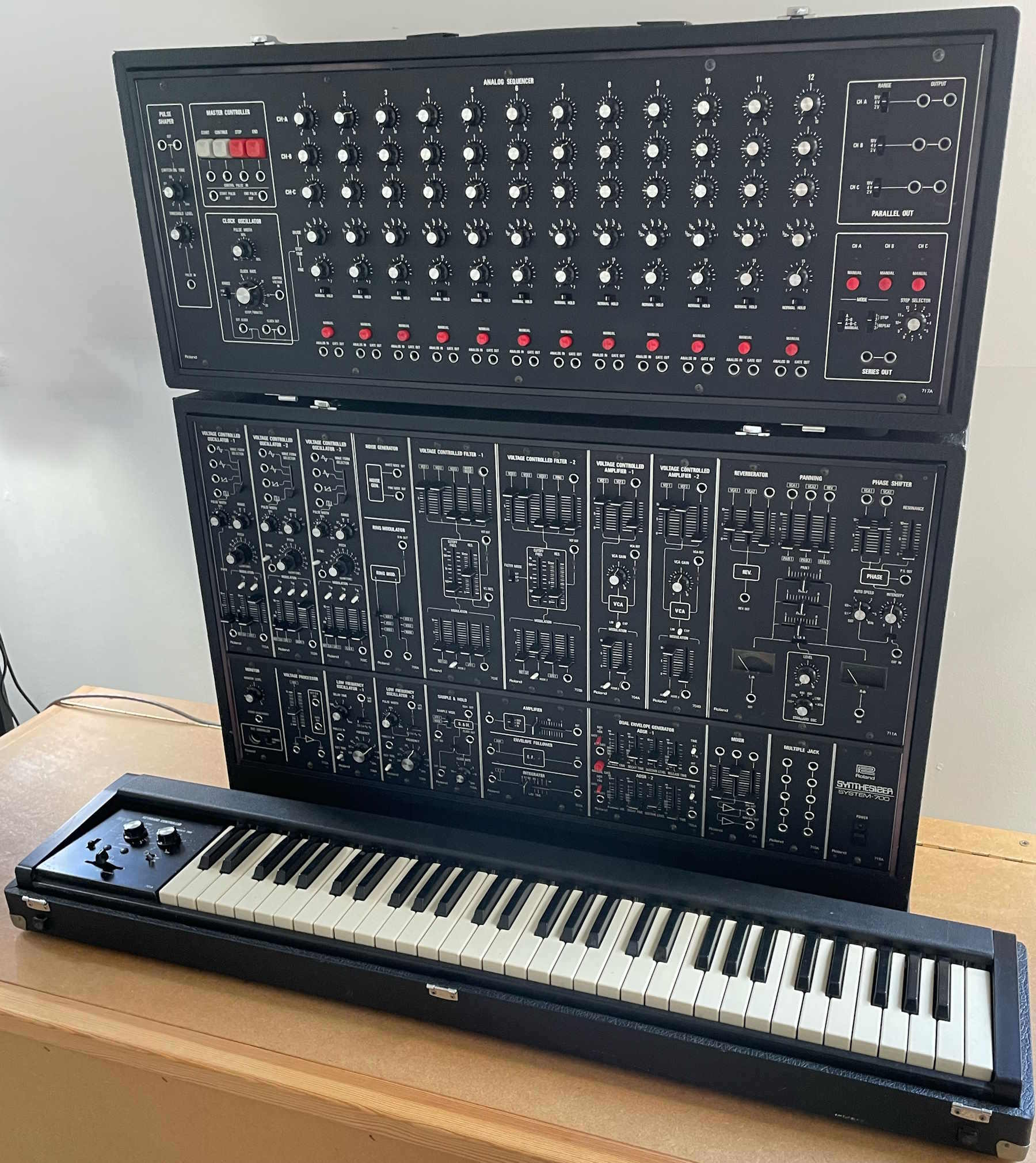
Roland - System 700 Main cab, sequencer,keys
50050 GBP |
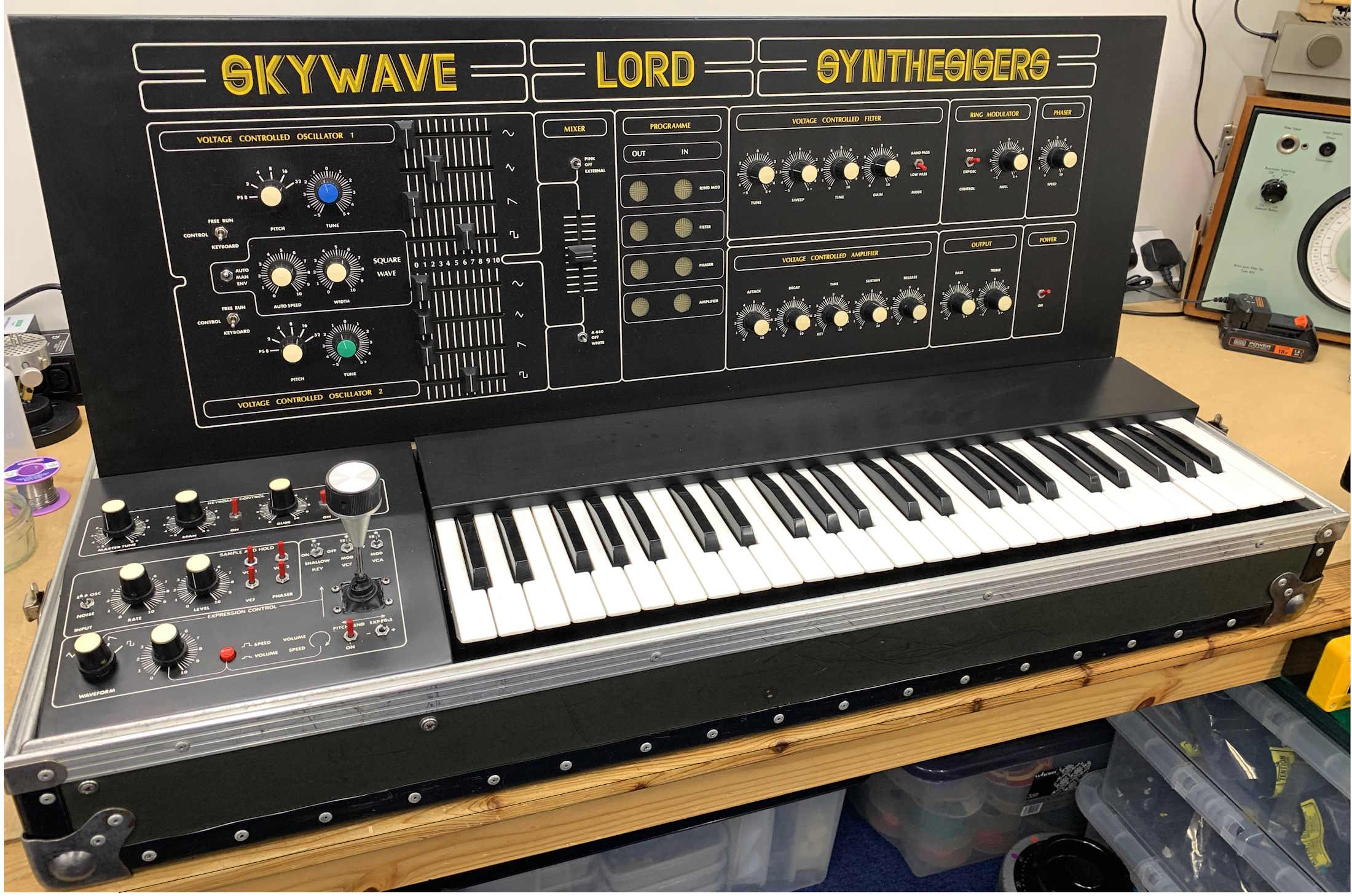
Lord - Skywave (rarest of the rare)
11050 GBP |
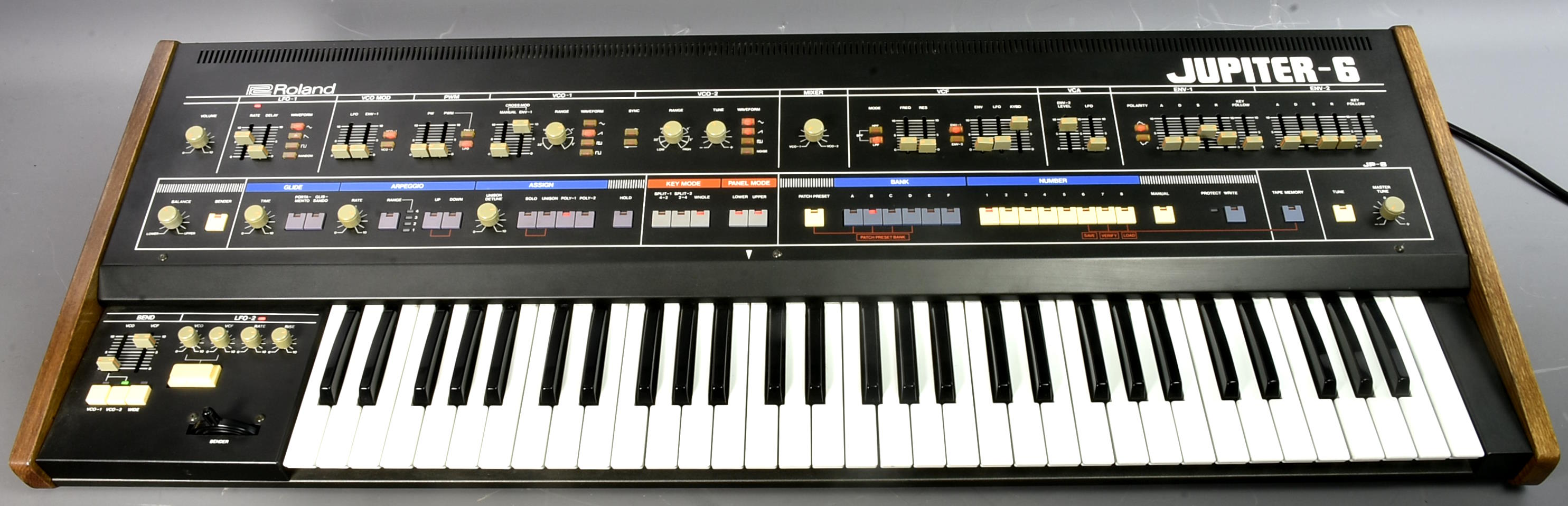
Roland - Jupiter-6 JP-6 classic (Orbital)
4050 GBP |
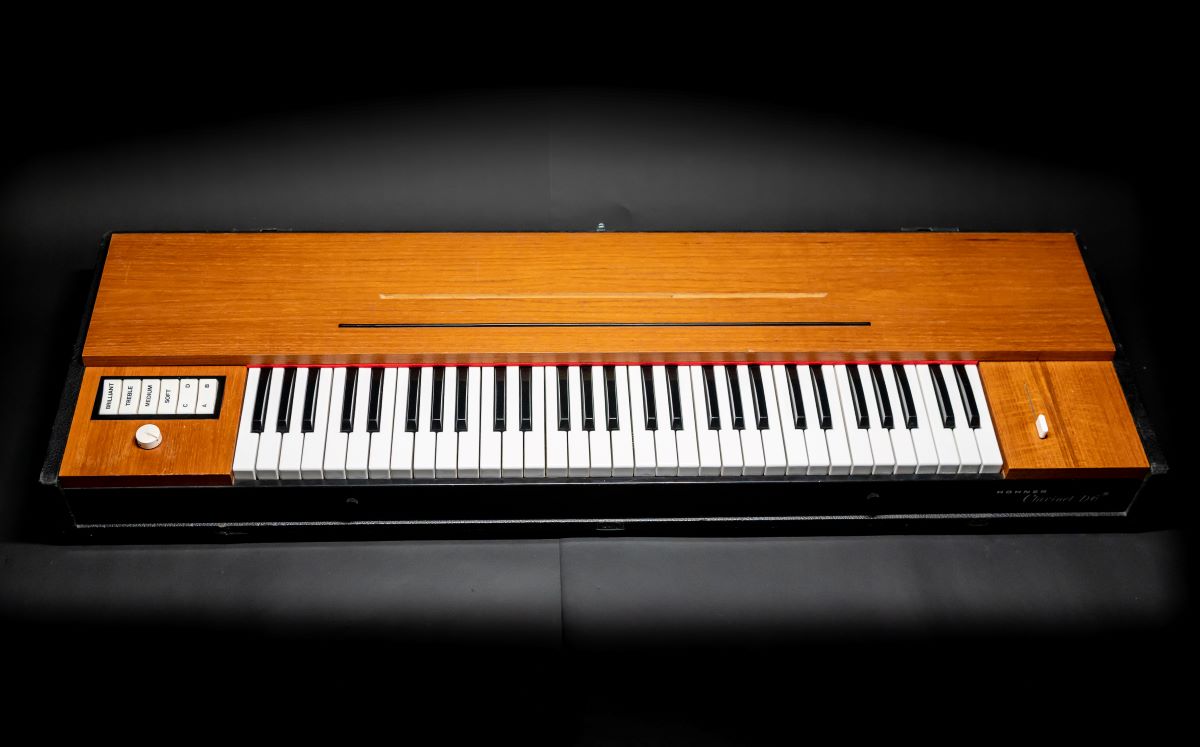
Hohner - Clavinet D6
1614 GBP |
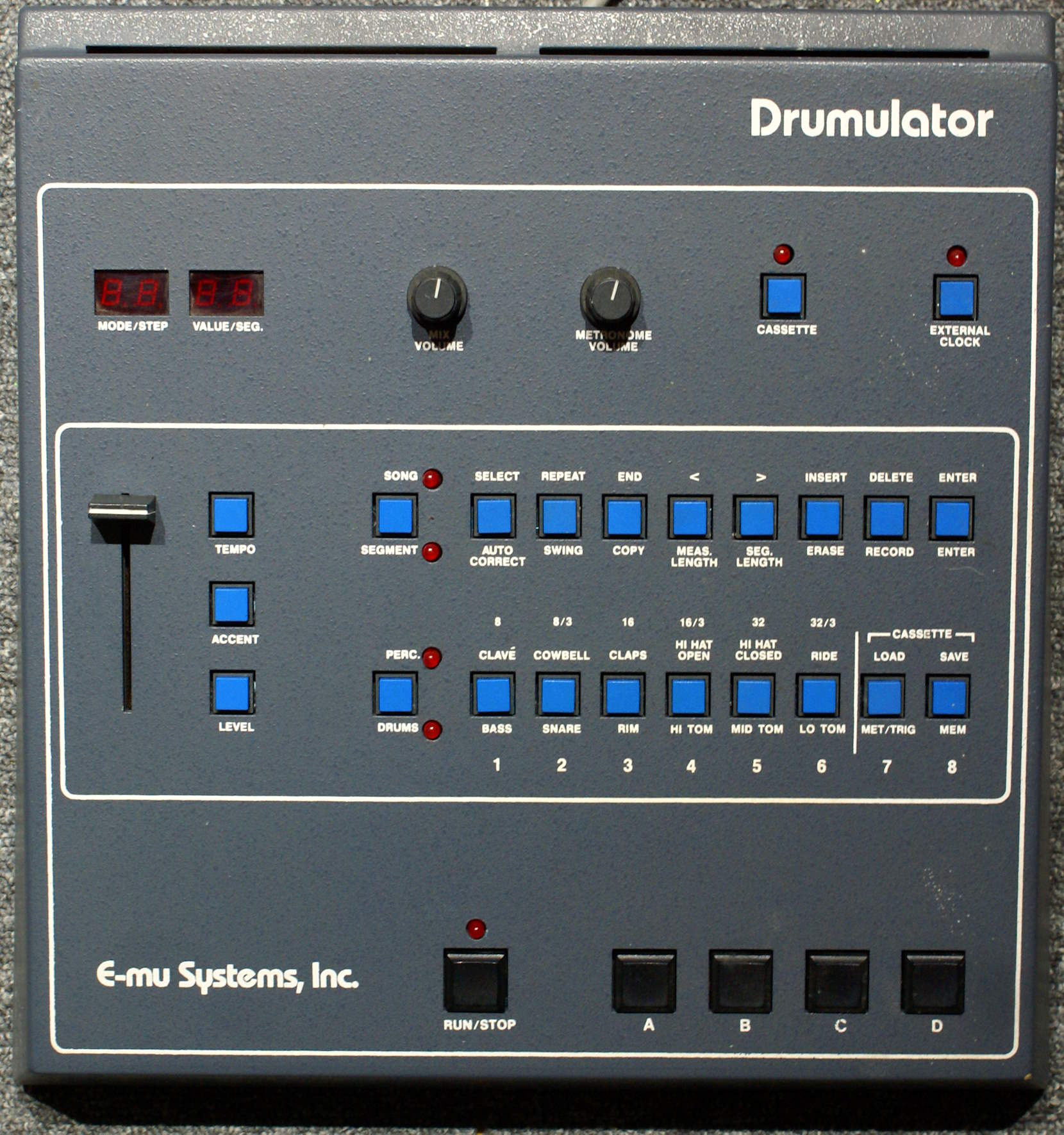
Emu - Drumulator s/n 33 not working
230 GBP |
Check out some recent most wanted items. Click on an image to get to its details.
|
|
|
|
Did you know |
|
|
Personal List
For quick access to items you are selling or intend possibly to bid on, you can use the Personal List feature available inside the user menu.- Simply select a lot by clicking the left-hand button on the auction room page.
- Click on List at the bottom of the auction room page; do that for all the items you want to keep special track of.
- Go to the User menu and click on Personal List to display only the selected items!
- Use Remove in the Personal List to remove an item from the list.
Past Sales
If you want to check prices on past sales, you can use the Past Sales feature available in the auction menu.
You'll be prompted to enter a key word to search for something in the item title (like 'modular' or '909') and/or limit your search to a specific make if needed - so you can search for 'Moog' or 'Roland' or whatever
You can then browse your selection of items from past sales
(NB: there are some anomalies in the database for valuable items whose first bid was 17GBP, so don't believe any result where a great item sold for a tiny amount!)
|
|
|
|
|
|
Catalog offline |
|
|
Need to check the whole catalog offline in an excel sheet?
Click here to download a csv file containing the full auction catalog.
The csv file is created online and the catalog is the current image of the current auction at the time you are downloading it!
|
|
|
|
|
|
Vemia Auction Time |
|
|
Remember that for each auction, lots start to close in lot number order at 14:00 British time (15:00 CET).
The current Spheremusic server time (CET) is : 9:53:43 AM
|
|
|
|
|
|
|